
NotebookLM Review 2025
Google’s AI-Powered Research & Note-Taking Revolution
Quick Navigation:
What is Google NotebookLM?
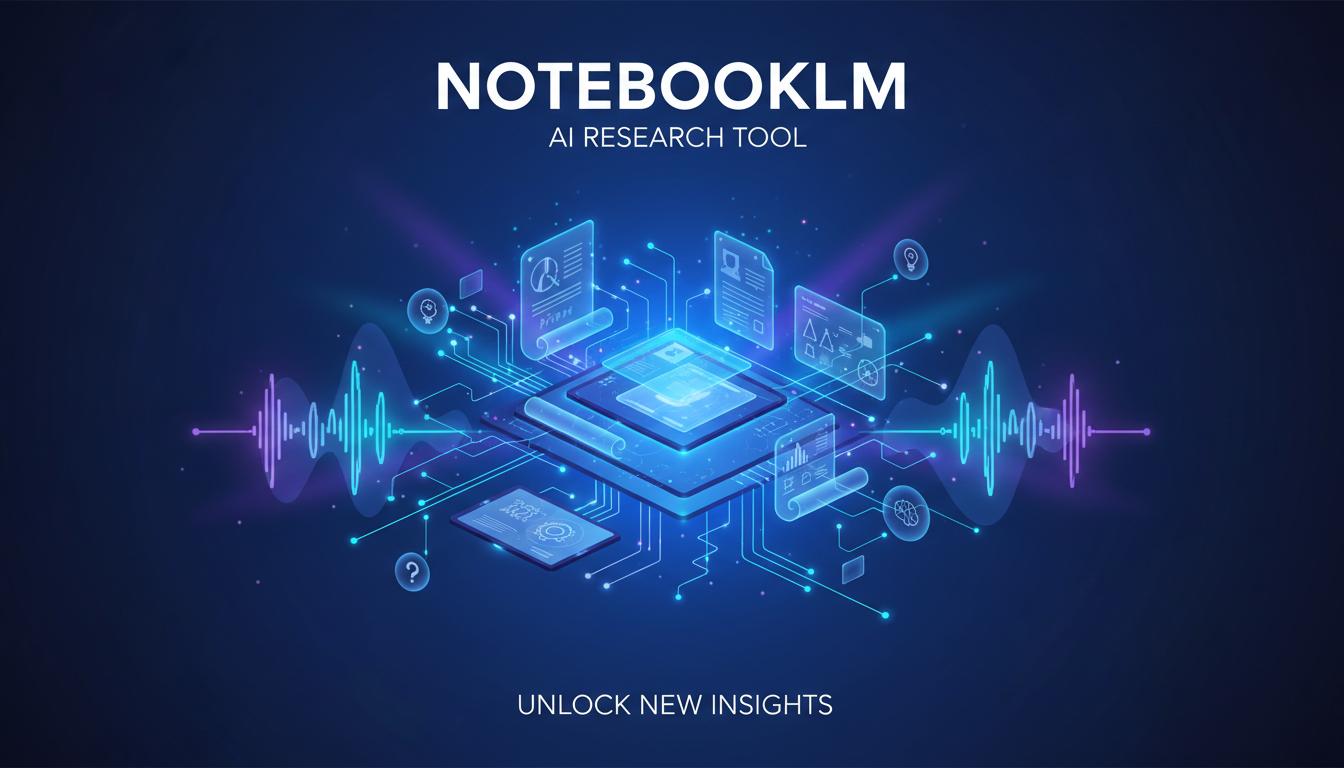
NotebookLM is Google’s revolutionary AI-powered research and note-taking tool that transforms how you interact with your documents. Unlike general-purpose chatbots, NotebookLM is built on a “source-grounded” architecture — meaning it only uses information from the sources you upload, ensuring every answer is backed by verifiable citations.
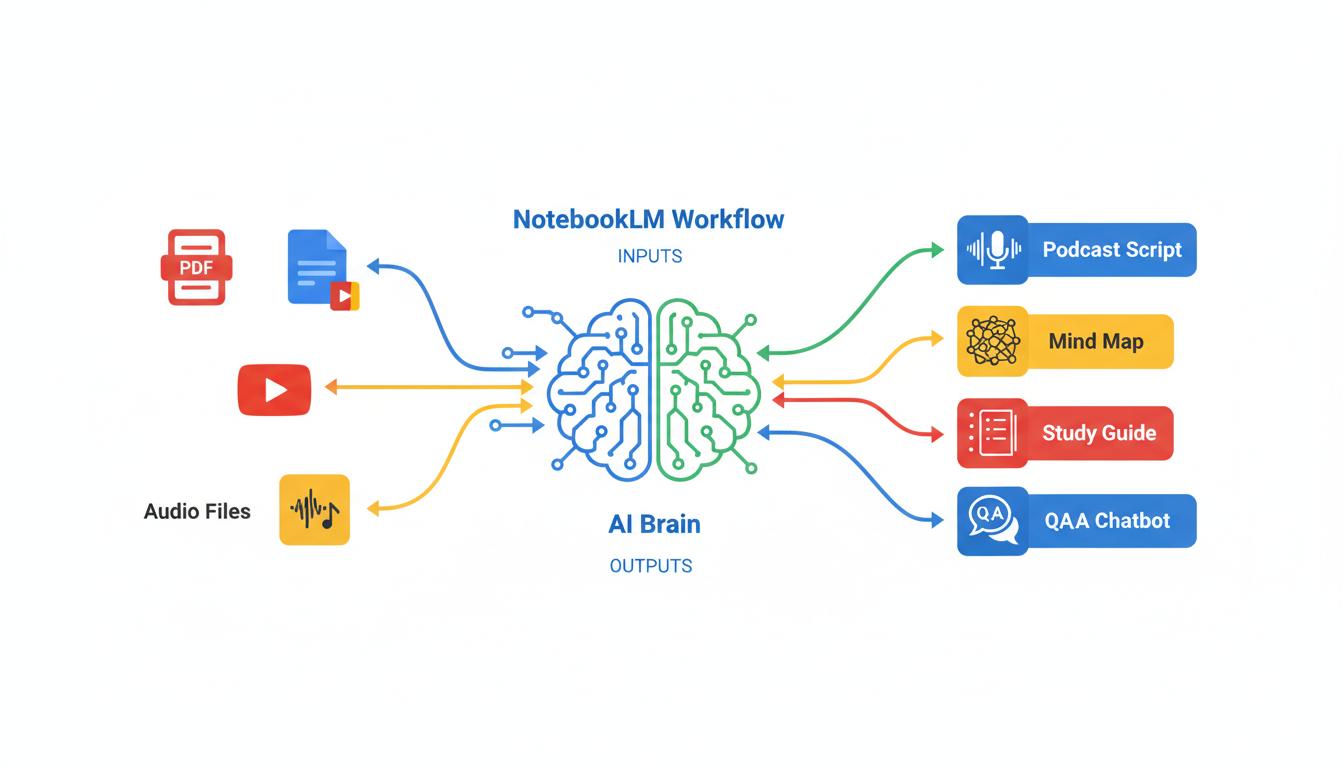
Powered by Google’s advanced Gemini AI model, NotebookLM acts as your personal AI research assistant. Simply upload your documents, PDFs, Google Docs, web links, YouTube videos, or even audio files, and NotebookLM creates a searchable knowledge base that you can query with natural language questions.
What truly sets NotebookLM apart is its groundbreaking Audio Overview feature — the ability to transform your uploaded documents into engaging, podcast-style audio discussions between two AI hosts. This innovative approach makes learning and consuming complex information feel as natural as listening to your favorite podcast.
Key Features of NotebookLM
Multi-Format Uploads
PDFs, Google Docs, Slides, YouTube videos, web URLs, audio files, and more
Source Citations
Every answer includes citations pointing to exact passages in your documents
Smart Summaries
Generate briefing docs, study guides, timelines, and FAQs from your sources
Interactive Mind Maps
Visualize connections between topics with AI-generated mind maps
Multi-Language Output
Generate content in 35+ languages regardless of source language
Privacy First
Your data isn’t used for model training — stays within your trust boundary
Deep Research Modes
NotebookLM offers two powerful research modes to enhance your queries:
| Mode | Speed | Sources | Best For |
|---|---|---|---|
| Fast Research | 30-45 seconds | 10-15 sources | Quick fact-checking, preliminary research |
| Deep Research | 3-5 minutes | 15-25 sources | Comprehensive analysis, academic research |
Audio Overview: The Game-Changing Feature
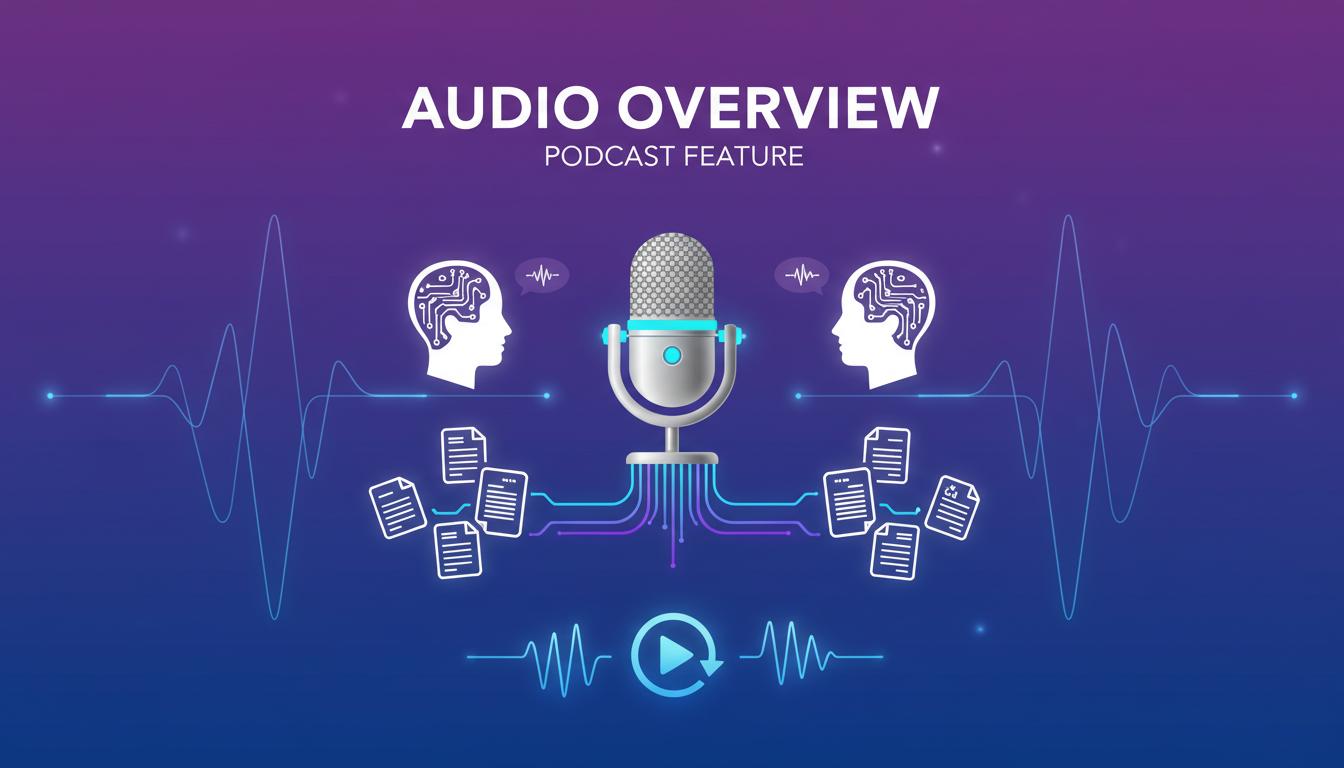
NotebookLM’s Audio Overview is arguably its most innovative and talked-about feature. It transforms your uploaded documents into engaging, podcast-style audio discussions between two AI hosts who analyze and discuss your content in a conversational format.
Audio Format Options
Deep Dive
In-depth conversation unpacking key topics from your sources
The Brief
Quick 2-minute overview with essential takeaways
The Critique
Constructive evaluation of essays or design documents
The Debate
Formal back-and-forth exploring multiple perspectives
Why Audio Overview Matters
Research shows that auditory learning can improve retention by up to 40% compared to reading alone. NotebookLM’s Audio Overview makes it perfect for:
- Commuting or exercising while learning
- Students with reading difficulties or dyslexia
- Reviewing materials before exams
- Consuming dense academic papers more easily
NotebookLM Pricing Plans
Free Plan
- 100 Notebooks
- 50 Sources per notebook
- 50 Chat queries/day
- 3 Audio overviews/day
- Basic mind maps
- Community support
NotebookLM Plus
- 500 Notebooks
- 300 Sources per notebook
- 500 Chat queries/day
- 20 Audio overviews/day
- Advanced mind maps
- Analytics dashboard
- Priority support
Enterprise
- Via Google Cloud
- 5x higher limits
- Custom response styles
- Shared org notebooks
- VPC-SC & IAM controls
- Enterprise security
- Dedicated support
Student Discount
Eligible students (18+) can get 50% off the AI Premium plan — just $9.99/month for 12 months. Perfect for thesis research, coursework, and exam prep!
Plan Comparison
| Feature | Free | Plus ($19.99) | Enterprise |
|---|---|---|---|
| Monthly Notebooks | 100 | 500 | Unlimited |
| Sources per Notebook | 50 | 300 | 300+ |
| Daily Chat Queries | 50 | 500 | 500+ |
| Daily Audio Overviews | 3 | 20 | 20+ |
| Analytics | |||
| Custom Output Styles |
Pros and Cons
Pros
- 98% citation accuracy — best in class
- Source-grounded — no hallucinations
- Audio Overview — unique podcast feature
- Completely free tier available
- Privacy-focused — data not used for training
- Multi-format support (PDFs, YouTube, audio)
- Interactive mind maps for visualization
- 35+ languages supported
- Deep/Fast Research modes
Cons
- Source limits on free plan (50/notebook)
- Requires internet — no offline mode
- Audio only in English (for now)
- Locked to Gemini — no model choice
- No public API for automation
- Notebooks can’t be duplicated
- Mobile app still in beta
- Deleted notes can’t be recovered
- Limited customization options
Best Use Cases for NotebookLM
Academic Research
Perfect for students and researchers analyzing papers, creating literature reviews, and preparing for exams with Audio Overviews.
Business Analysis
Upload market reports, competitor analysis, and financial documents for quick insights and executive summaries.
Content Creation
Transform research materials into podcast episodes, blog posts, and social media content with proper citations.
Legal Research
Upload case files, contracts, and legal documents. Get accurate answers with citations to specific passages.
Scientific Research
Analyze scientific papers, extract methodologies, and generate study guides for complex technical content.
Team Collaboration
Share notebooks with team members for collaborative research and knowledge management.
NotebookLM vs ChatGPT vs Notion AI
| Factor | NotebookLM | ChatGPT | Notion AI | Winner |
|---|---|---|---|---|
| 💰 Starting Price | Free | Free (limited) | $10/month | 🏆 NotebookLM |
| 📚 Citation Accuracy | 98% | ~67% | Good | 🏆 NotebookLM |
| 🎙️ Audio/Podcast | Yes | No | No | 🏆 NotebookLM |
| 🔒 Data Privacy | No training | Opt-out only | HIPAA compliant | 🏆 NotebookLM |
| 🌐 Web Search | Limited (Deep Research) | Full access | Limited | 🏆 ChatGPT |
| ✍️ Creative Writing | Good | Excellent | Good | 🏆 ChatGPT |
| 📊 Project Management | No | No | Yes | 🏆 Notion AI |
| 🔗 Note Integration | Google Workspace | Limited | Native | 🏆 Notion AI |
| 🤖 Hallucination Rate | ~0.2% | ~5.1% | ~3% | 🏆 NotebookLM |
When to Choose Each Tool
Choose NotebookLM if: You need accurate, cited answers from your documents; want to create podcasts from research; prioritize data privacy; or work with large volumes of source material.
Choose ChatGPT if: You need creative writing help; want broad web search capabilities; or need a general-purpose AI assistant for diverse tasks.
Choose Notion AI if: You’re already using Notion for project management; need integrated note-taking and task management; or want an all-in-one workspace solution.
NotebookLM Evolution Timeline
Project Tailwind Announced
Google announces “Project Tailwind” at I/O conference — an experimental AI-first notebook powered by PaLM 2.
Waitlist Beta Launch
Limited beta opens to U.S. users with Google Workspace accounts. Early testers begin exploring the source-grounded approach.
NotebookLM Official Launch
Officially rebranded as “NotebookLM” and made available to all U.S. users aged 18+. Support for 50 sources per notebook introduced.
Global Expansion
NotebookLM expands to 180+ countries and adds support for 35+ languages, making it accessible worldwide.
Audio Overview Launch
The groundbreaking Audio Overview feature is introduced, allowing users to generate podcast-style discussions from their documents.
NotebookLM Plus Announced
Google announces NotebookLM Plus — a premium tier with 5x higher limits, analytics, and enterprise features.
Plus Goes Public
NotebookLM Plus becomes available via Google One AI Premium ($19.99/month). Student discount (50% off) introduced.
Mind Maps & Languages
Interactive mind maps and output language selector added, allowing users to generate content in any supported language.
What’s Coming
Rumored features include: expanded audio language support, API access for developers, enhanced mobile app, and deeper Workspace integration.
Frequently Asked Questions
Yes! NotebookLM offers a generous free plan with 100 notebooks, 50 sources per notebook, and 3 Audio Overviews per day. For power users, NotebookLM Plus ($19.99/month) provides 5x higher limits and additional features.
NotebookLM supports Google Docs, Google Slides, PDFs, text files, Markdown files, web URLs, YouTube videos (public), copy-pasted text, and audio files. Each source can be up to 500,000 characters or 200MB.
Absolutely. Google explicitly states that your uploads, queries, and responses are not used to train models and are not reviewed by humans without permission. Your data stays within your organization’s trust boundary.
Currently, NotebookLM requires an internet connection to function. There’s no offline mode available at this time.
NotebookLM achieves approximately 98% citation accuracy — significantly higher than ChatGPT’s ~67%. Every answer includes citations pointing to the exact source passages, making it ideal for academic and professional research.
Yes! You can share notebooks with view or edit permissions. NotebookLM Plus users can also share notebooks for “conversation only” mode, allowing others to ask questions without modifying the sources.
Currently, Audio Overview’s spoken audio is only available in English, though you can upload sources in any supported language. Google has indicated expanded language support is coming soon.
Our Final Verdict
NotebookLM is a must-have tool for anyone serious about research. Its source-grounded approach, unmatched citation accuracy, and innovative Audio Overview feature make it the best choice for students, researchers, and knowledge workers. The generous free tier means there’s no reason not to try it!
Ready to Transform Your Research?
Join millions of users who’ve discovered a better way to learn, research, and create. Start with the free plan and upgrade when you need more power.
Try NotebookLM Free