
The artificial intelligence revolution has moved beyond hype and into practical reality. In 2025, AI tools have evolved from experimental novelties into mission-critical business assets that are fundamentally changing how we work, create, and solve problems. With the AI market projected to reach unprecedented heights and adoption rates doubling year over year, choosing the right tools has never been more important.
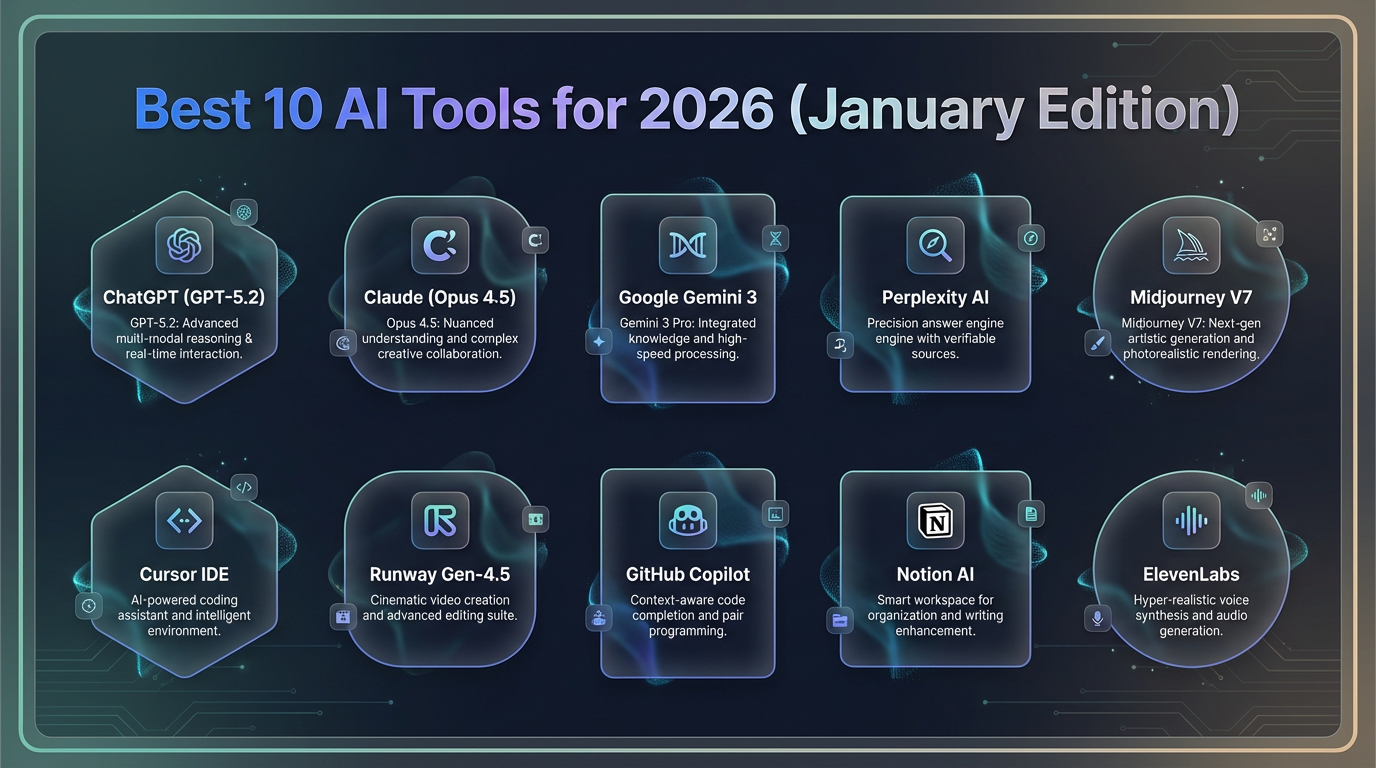
This comprehensive guide explores the ten best AI tools of 2025, examining their capabilities, use cases, pricing, detailed pros and cons, AI performance scores, and how they can revolutionize your workflow. Whether you’re a developer, marketer, content creator, or business professional, these tools represent the cutting edge of what AI can accomplish today.
Understanding the AI Landscape in 2025
Before diving into specific tools, it’s essential to understand how dramatically the AI landscape has evolved. According to recent industry data, over 40% of organizations globally are already using generative AI in some form, and this number continues to climb. What began as simple chatbots has transformed into sophisticated systems capable of automating complex workflows, analyzing massive datasets, generating professional content, and engaging in nuanced conversations.
The key difference in 2025 is integration and specialization. AI tools are no longer standalone experiments but are deeply embedded into daily workflows. They’ve moved from trial phases to full enterprise rollouts, with major organizations implementing AI at scale with robust compliance controls. The most successful AI implementations follow a crucial principle: augmenting human capabilities rather than replacing them entirely.

1. ChatGPT: The All-Purpose AI Powerhouse
Developer: OpenAI
Best For: Versatile general-purpose tasks, brainstorming, writing, coding, everyday assistance
Overall AI Score: 9.2/10
Pricing Structure
- Free Tier: Available with GPT-4o mini model
- ChatGPT Plus: $20/month (GPT-4, DALL-E 3, browsing, data analysis)
- ChatGPT Pro: $200/month (unlimited access, priority to newest models)
- ChatGPT Team: $25/user/month (collaborative workspace features)
Key Features and Capabilities
ChatGPT remains the household name in AI for good reason. Since its explosive launch, it has accumulated over 100 million users and set the standard for conversational AI. In 2025, ChatGPT has evolved with GPT-5 and related variants that push the boundaries of what’s possible.
Core Capabilities:
- Multi-modal interaction (text, voice, image generation with DALL-E 3)
- Code generation and debugging across 50+ programming languages
- Document analysis and summarization
- Real-time web browsing and research
- Memory functionality that learns preferences across sessions
- Custom GPTs for specialized tasks
- Advanced data analysis and visualization
- Voice mode for natural spoken conversations
Advanced Features:
- Canvas mode for collaborative writing and coding
- Advanced reasoning with extended thinking time for complex problems
- Image generation directly in chat
- File uploads and analysis (PDFs, documents, spreadsheets)
- Plugin ecosystem with thousands of integrations
Performance Metrics
- Accuracy Score: 9.0/10
- Speed: 8.5/10 (fast for quick queries, slower for complex reasoning)
- Context Understanding: 9.5/10
- Creative Tasks: 9.0/10
- Technical Tasks: 8.8/10
Pros
✅ Unmatched versatility – Handles virtually any task from creative writing to technical coding
✅ Largest ecosystem – Thousands of plugins, integrations, and custom GPTs
✅ Strong conversational ability – Natural dialogue that understands context and nuance
✅ Memory features – Remembers user preferences and past conversations
✅ Consistent updates – Regular improvements and new features
✅ Multi-modal capabilities – Text, voice, images all in one platform
✅ Excellent at brainstorming – Generates diverse ideas and perspectives
✅ User-friendly interface – Intuitive for beginners and power users alike
Cons
❌ Can be verbose – Sometimes provides unnecessarily long responses
❌ Rate limits – Usage caps on Plus tier (40 messages every 3 hours for GPT-4)
❌ Occasional hallucinations – May present confident-sounding but incorrect information
❌ Internet access inconsistent – Browse feature doesn’t always fetch latest data reliably
❌ Privacy concerns – Data used for training unless explicitly opted out
❌ Cost for Pro tier – $200/month is steep for individual users
❌ Response quality varies – Not always consistent across sessions
Real-World Use Cases
- Marketing teams generate campaign ideas, write ad copy, analyze sentiment
- Developers use for code generation, debugging, documentation
- Students create study guides, summarize research papers
- Business professionals draft emails, reports, strategic plans
- Content creators brainstorm ideas, outline articles, generate scripts
Who Should Use ChatGPT?
ChatGPT excels for generalists who need a single tool for diverse tasks. It’s perfect for rapid prototyping, brainstorming sessions, and everyday assistance. The broad feature set makes it ideal for individuals and small teams who want versatility without managing multiple AI subscriptions.

2. Claude: The Thoughtful Writing and Coding Expert
Developer: Anthropic
Best For: Sophisticated text and code work, document analysis, ethical AI applications
Overall AI Score: 9.4/10
Pricing Structure
- Free Tier: Available with usage limits
- Claude Pro: $20/month (5x more usage, priority access)
- Claude Team: $25/user/month (collaboration features)
- Claude Max: $200/month (extended limits, newest models first)
Key Features and Capabilities
Claude, built on constitutional AI principles with embedded ethical guidelines, has emerged as ChatGPT’s most formidable competitor. The Claude 4 family represents some of the most advanced language models available, with Claude Sonnet 4.5 being particularly powerful.
Core Capabilities:
- Massive 200K token context window (processes entire books)
- Superior code generation and review
- Artifacts feature for interactive code preview
- Document analysis of PDFs, text files, images
- Extended thinking mode showing step-by-step reasoning
- Multi-language support
- Real-time web search integration
- Vision capabilities for image analysis
Standout Features:
- Natural, human-like writing style
- Exceptional at long-document processing
- Transparent reasoning with thinking mode
- Live code execution in Artifacts
- Constitutional AI for safer, more ethical responses
Performance Metrics
- Accuracy Score: 9.5/10 (particularly strong on factual content)
- Speed: 8.8/10
- Context Understanding: 9.8/10 (200K context window is class-leading)
- Creative Writing: 9.5/10
- Coding Quality: 9.6/10 (often cleaner than competitors)
Pros
✅ Superior writing quality – More natural, less robotic than alternatives
✅ Massive context window – 200K tokens handles entire codebases or books
✅ Excellent at coding – Cleaner code, better understanding of frameworks
✅ Artifacts feature – Live preview and execution of code
✅ Ethical AI framework – Constitutional AI provides safer responses
✅ Thoughtful responses – Shows reasoning process transparently
✅ Strong document analysis – Processes lengthy files effectively
✅ Less repetitive – Varies language and structure naturally
✅ Enterprise focus – SOC II, HIPAA compliance available
Cons
❌ Smaller ecosystem – Fewer plugins than ChatGPT
❌ Usage limits – Pro tier limited to ~45 messages/5 hours (varies by length)
❌ No native image generation – Lacks built-in DALL-E equivalent
❌ Sometimes too cautious – May over-explain or be overly careful
❌ Slower for simple tasks – Thoughtful approach takes more time
❌ Learning curve – More complex interface for some features
❌ Less playful – More serious tone than some alternatives
Real-World Use Cases
- Developers build full applications with clean, maintainable code
- Writers create long-form content with consistent voice and style
- Researchers analyze lengthy academic papers and documents
- Legal professionals review contracts and compliance documents
- Technical writers produce comprehensive documentation
- Analysts process large datasets and generate insights
Who Should Use Claude?
Claude is ideal for professionals focused on quality over speed. Writers needing natural prose, developers wanting clean code, and analysts processing complex documents will find Claude’s thoughtful approach invaluable. It’s the top choice when depth and accuracy matter more than breadth of features.

3. Midjourney: The Artistic Image Generation Leader
Developer: Midjourney Inc.
Best For: High-quality artistic images, concept art, creative visualization
Overall AI Score: 9.3/10
Pricing Structure
- Basic Plan: ~$10/month (billed annually, 200 generations/month)
- Standard Plan: ~$30/month (unlimited relaxed generations)
- Pro Plan: ~$60/month (unlimited fast generations, stealth mode)
- Mega Plan: ~$120/month (maximum usage, full commercial rights)
Note: No free tier; subscription required
Key Features and Capabilities
Midjourney has established itself as the gold standard for AI-generated art, producing images with a level of artistic quality that rivals professional concept artists. Originally Discord-only, it now offers a streamlined web interface.
Core Capabilities:
- High-resolution image generation (up to 8K with upscaling)
- Style reference system for consistency
- Character reference for consistent character design
- Remix and variation features
- Outpainting to extend images
- Inpainting for selective editing
- Pan and zoom capabilities
- Blend mode combining multiple images
- Style Tuner for custom aesthetic preferences
V7 Improvements:
- Sharper realism and photo-quality outputs
- Better prompt adherence and fidelity
- Improved hands and facial features
- Enhanced lighting and composition
- More consistent style across generations
Performance Metrics
- Image Quality: 9.8/10 (industry-leading artistic quality)
- Prompt Accuracy: 8.7/10 (improving with each version)
- Speed: 8.5/10 (fast mode ~60 seconds, relaxed ~10 minutes)
- Consistency: 8.3/10 (good with style references)
- Creative Output: 9.5/10
Pros
✅ Unmatched artistic quality – Produces stunning, painterly images
✅ Cinematic aesthetic – Exceptional composition, lighting, color theory
✅ Style consistency – Reference systems maintain visual coherence
✅ Vibrant community – Active Discord with excellent learning resources
✅ Commercial rights – Paid plans include full usage rights
✅ Regular updates – Continuous improvements and new features
✅ Versatile outputs – From photorealism to stylized art
✅ Professional results – Suitable for client work and publication
Cons
❌ No free tier – Requires paid subscription to use
❌ Learning curve – Mastering prompts takes practice and experimentation
❌ Less control – Harder to specify exact details vs. competitors
❌ Discord dependency – Web interface newer, Discord still primary for some
❌ Generation costs – Fast mode uses quota quickly
❌ Text rendering – Still struggles with readable text in images
❌ Unpredictable results – Same prompt can yield very different outputs
❌ Queue times – During peak hours, relaxed mode can be slow
Real-World Use Cases
- Game designers create concept art and environment designs
- Authors generate book cover concepts
- Marketing agencies produce unique campaign visuals
- Brand designers explore logo and identity concepts
- Interior designers visualize space concepts
- Fashion designers create clothing and accessory ideas
Who Should Use Midjourney?
Midjourney is perfect for creative professionals and artists who prioritize aesthetic quality above all else. If your projects demand visually stunning, emotionally resonant imagery, Midjourney delivers results that justify the subscription cost. Best for those willing to invest time mastering prompt engineering.
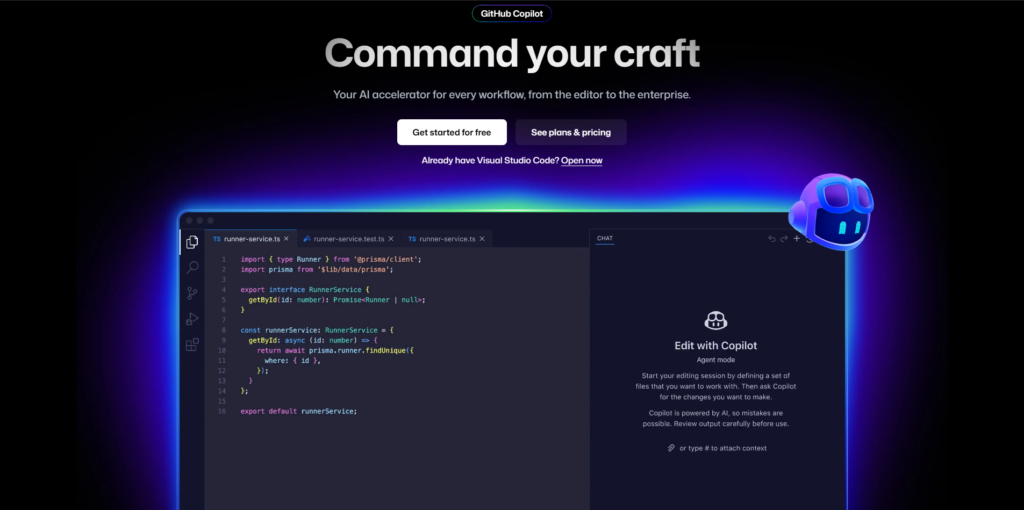
4. GitHub Copilot: The AI Pair Programmer
Developer: GitHub (Microsoft)
Best For: Code completion, development assistance, learning new frameworks
Overall AI Score: 9.0/10
Pricing Structure
- Free: For verified students and open-source maintainers
- Individual: $10/month or $100/year
- Business: $19/user/month
- Enterprise: $39/user/month (advanced security, compliance)
Key Features and Capabilities
GitHub Copilot has transformed how millions of developers write code. Powered by OpenAI Codex, it functions as an AI pair programmer suggesting entire functions, classes, and files based on context.
Core Capabilities:
- Real-time code suggestions inline
- Multi-file context understanding
- GitHub Copilot Chat for conversational coding help
- Code explanation and documentation generation
- Test generation and bug detection
- Code translation between languages
- Pull request summaries
- Security vulnerability detection
- 50+ programming language support
Advanced Features:
- Workspace context analysis
- Natural language to code conversion
- Refactoring suggestions
- Framework-specific recommendations
- CLI assistance for terminal commands
Performance Metrics
- Code Accuracy: 8.8/10
- Suggestion Quality: 9.0/10
- Context Understanding: 8.5/10
- Speed: 9.5/10 (real-time suggestions)
- Language Coverage: 9.2/10
Pros
✅ Massive productivity boost – Studies show 55% faster task completion
✅ Real-time suggestions – Instant code completions as you type
✅ Learn by example – See practical implementations in real-time
✅ Reduces boilerplate – Handles repetitive code patterns automatically
✅ IDE integration – Works in VS Code, JetBrains, Neovim
✅ Chat interface – Ask questions without leaving your editor
✅ Multi-language – Supports virtually all programming languages
✅ Cost-effective – $10/month is affordable for most developers
✅ Security features – Blocks suggestions matching public code
Cons
❌ Requires review – Suggestions aren’t always correct or optimal
❌ Can introduce bugs – Accepting blindly leads to issues
❌ Privacy concerns – Code context sent to servers
❌ Dependency risk – Developers may become over-reliant
❌ Learning hindrance – Beginners may not understand generated code
❌ Inconsistent quality – Varies significantly by language and framework
❌ Subscription fatigue – Another monthly cost for developers
❌ Doesn’t replace expertise – Still need strong fundamentals
Real-World Use Cases
- Backend developers write API endpoints faster
- Frontend developers generate React components
- DevOps engineers write infrastructure as code
- Data scientists create analysis scripts
- New developers learn language syntax and patterns
- Teams reduce time on mundane coding tasks
Who Should Use GitHub Copilot?
Essential for professional developers who code daily. Particularly valuable when learning new frameworks, working with unfamiliar languages, or handling repetitive tasks. The productivity gains typically justify the cost within the first week of use. Less beneficial for occasional programmers or complete beginners.
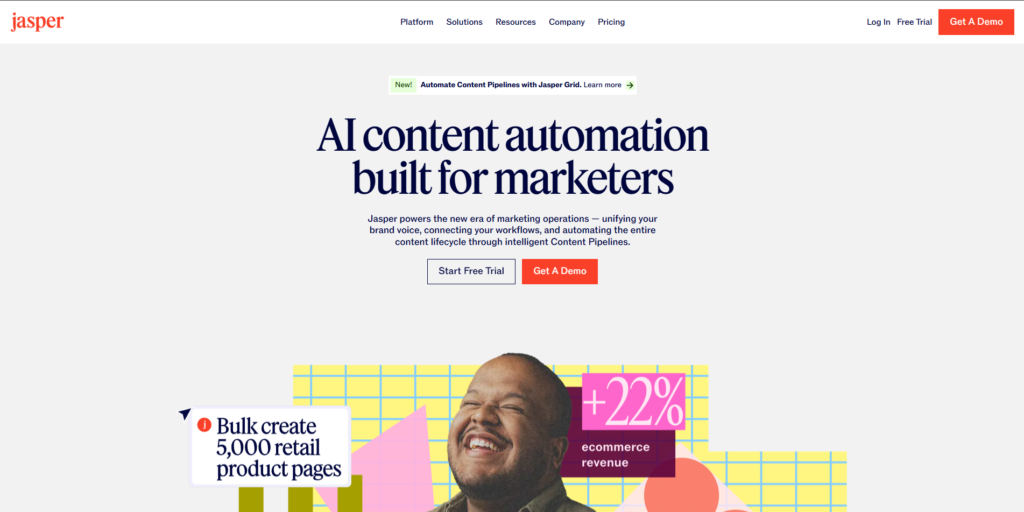
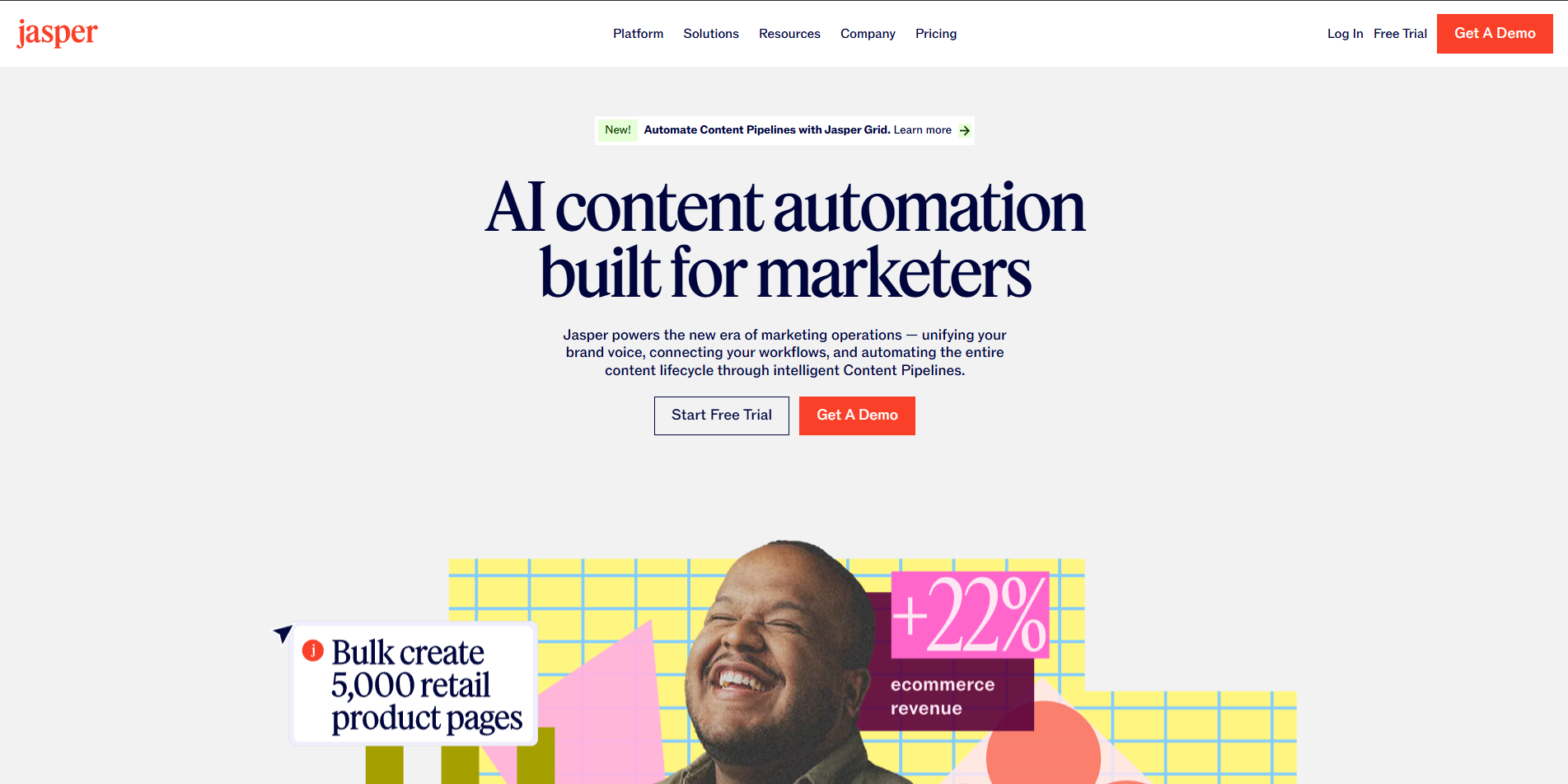
5. Jasper: The Marketing Content Specialist
Developer: Jasper AI
Best For: Brand-consistent marketing content at scale
Overall AI Score: 8.5/10
Pricing Structure
- Creator: $49/month (1 seat, 1 brand voice)
- Pro: $69/month (unlimited brand voices, collaboration)
- Business: Custom pricing (teams, advanced features)
Note: All plans billed annually; 7-day free trial available
Key Features and Capabilities
Jasper positions itself as the go-to AI for marketing teams, offering specialized tools for creating consistent, on-brand content across channels.
Core Capabilities:
- 50+ marketing-specific templates
- Brand Voice customization
- SEO optimization with Surfer SEO integration
- Multi-language content (30+ languages)
- Team collaboration and workflows
- Content calendar and campaign management
- Image generation with Jasper Art
- Chrome extension for writing anywhere
- Plagiarism detection
Specialized Templates:
- Blog post outlines and long-form content
- Social media posts and captions
- Email marketing campaigns
- Ad copy (Google, Facebook, LinkedIn)
- Product descriptions
- Landing page copy
- Video scripts
- Press releases
Performance Metrics
- Content Quality: 8.5/10
- Brand Consistency: 9.0/10
- SEO Effectiveness: 8.7/10
- Template Variety: 9.2/10
- Ease of Use: 8.8/10
Pros
✅ Marketing focus – Templates optimized for conversion
✅ Brand Voice – Maintains consistent tone across all content
✅ Team features – Collaboration tools for marketing teams
✅ SEO integration – Built-in optimization with Surfer SEO
✅ High volume – Generate massive amounts of content quickly
✅ Multi-channel – Covers all marketing channels in one platform
✅ Training resources – Extensive tutorials and community
✅ Workflow integration – Connects with major marketing tools
Cons
❌ Expensive – Higher cost than general AI tools
❌ Requires editing – Output needs human refinement
❌ Generic at times – Can sound formulaic without customization
❌ Learning curve – Many features to master
❌ No free tier – Must commit to paid plan
❌ Overkill for individuals – Best suited for teams
❌ Limited creative writing – Focused on marketing, not stories
❌ Subscription required – No pay-per-use option
Real-World Use Cases
- Content marketing teams produce blog articles at scale
- Social media managers schedule month of posts in hours
- E-commerce businesses write hundreds of product descriptions
- Agencies create client campaigns faster
- Email marketers generate multiple campaign variations
Who Should Use Jasper?
Jasper excels for marketing teams and agencies producing high volumes of brand-specific content. If you’re creating dozens of social posts, blog articles, or ad variations weekly, Jasper’s brand consistency and marketing templates justify the premium price. Individual creators or occasional users should consider more affordable alternatives.
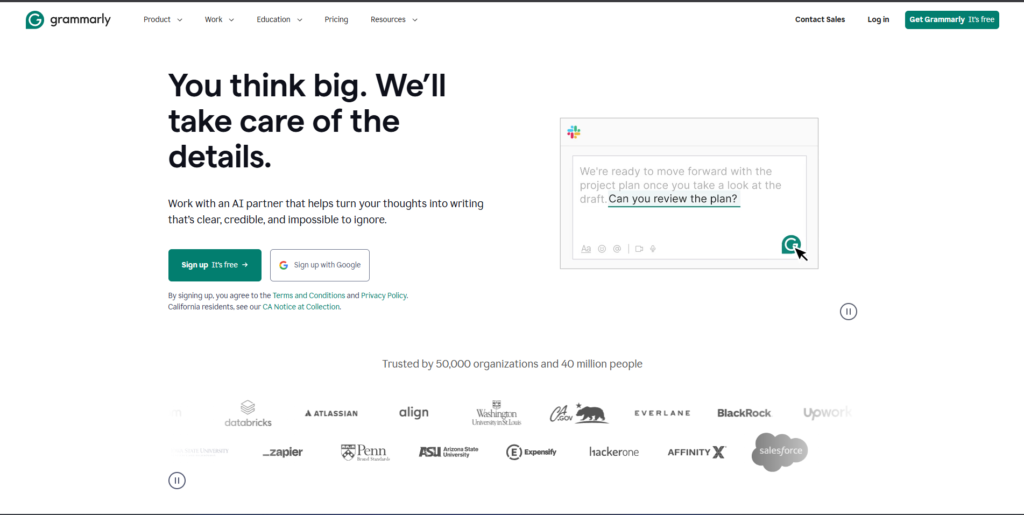
6. Grammarly: The AI Writing Assistant and Editor
Developer: Grammarly Inc.
Best For: Writing improvement, grammar checking, tone adjustment
Overall AI Score: 8.7/10
Pricing Structure
- Free: Basic grammar and spelling
- Premium: $12/month (annual) or $30/month (monthly)
- Business: $15/user/month (team features)
Key Features and Capabilities
Grammarly has evolved from a grammar checker to a comprehensive AI writing platform with generative features, acquisitions of Coda and Superhuman in 2025, and new enterprise capabilities.
Core Capabilities:
- Real-time grammar, spelling, punctuation correction
- Tone detection and adjustment
- Clarity and conciseness suggestions
- Plagiarism detection (Premium)
- AI content detection
- GrammarlyGO generative AI
- Full-sentence rewrites
- Vocabulary enhancement
- Reading level targeting
- 500,000+ app integrations
2025 New Features:
- AI Grader for academic work
- Expert Review Agents
- Citation Finder
- Paraphraser
- Reader Reactions (persona-based feedback)
- Document-based interface (via Coda acquisition)
- Notion-style block editor
Performance Metrics
- Grammar Accuracy: 9.5/10
- Tone Detection: 8.5/10
- AI Detection: 7.0/10 (inconsistent according to tests)
- Writing Improvement: 9.0/10
- User Experience: 9.2/10
Pros
✅ Ubiquitous integration – Works in 500,000+ apps and websites
✅ Real-time feedback – Instant suggestions as you type
✅ Tone adjustment – Helps match intended audience
✅ Easy to use – Intuitive interface, minimal learning curve
✅ Browser extension – Available everywhere you write
✅ Mobile apps – Write confidently on any device
✅ Trusted brand – Used by millions, established reputation
✅ Free tier useful – Core features available without payment
Cons
❌ AI features paywalled – Best features require Premium
❌ Can be overzealous – Sometimes suggests unnecessary changes
❌ AI detection unreliable – Tests show inconsistent results
❌ Privacy questions – Processes all your writing
❌ Expensive Premium – $30/month without annual commitment
❌ False positives – May flag correct writing as errors
❌ Limited creativity – Better for business writing than creative
❌ Subscription creep – Features increasingly moved to paid tiers
Real-World Use Cases
- Professionals polish emails and reports
- Students improve essay quality
- Non-native speakers write confidently in English
- Customer support maintains consistent tone
- Teams ensure brand voice compliance
- Academics check citations and detect plagiarism
Who Should Use Grammarly?
Grammarly suits anyone who writes professionally or frequently. Particularly valuable for non-native English speakers, students, and professionals sending important communications. The free tier handles basic needs, while Premium justifies its cost for daily writers. Business plan makes sense for teams prioritizing written communication quality.
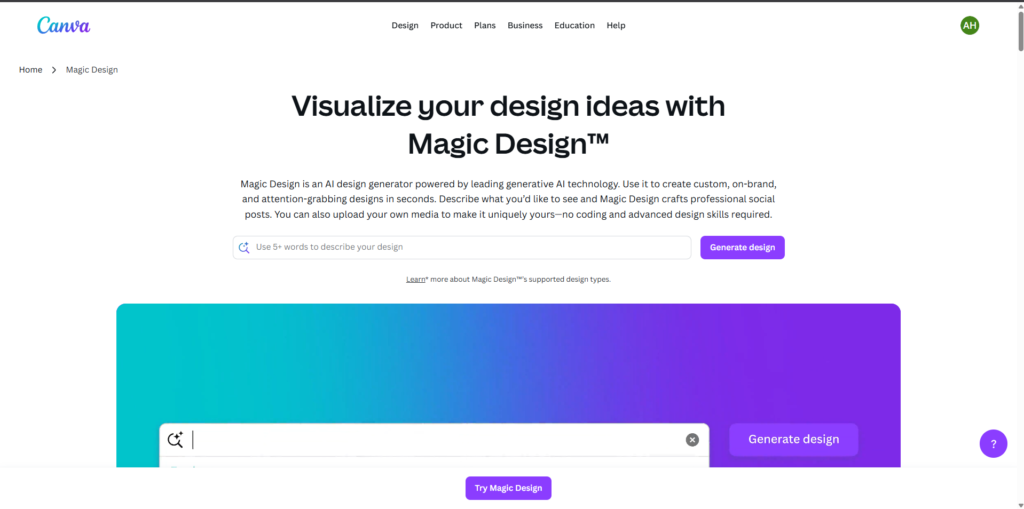
7. Canva: The AI-Powered Design Platform
Developer: Canva
Best For: Visual content creation, social media graphics, presentations
Overall AI Score: 8.9/10
Pricing Structure
- Free: Basic features, limited templates
- Pro: $15/month (1 user, full feature access)
- Teams: $30/month (first 5 users)
- Enterprise: Custom pricing
Key Features and Capabilities
Canva launched its Creative Operating System in 2025, the world’s first design-aware AI that understands layout, hierarchy, and brand logic. With 260 million monthly users, it’s become the go-to platform for visual communication.
Core AI Features:
- Canva AI – Conversational design assistant
- Canva Code – Build interactive experiences without coding
- Magic Studio – Suite of 15+ AI tools
- Magic Design – Generate designs from text prompts
- Magic Write – AI content generation
- Magic Edit – AI photo editing
- Magic Expand – Extend images intelligently
- Magic Grab – Isolate and reposition elements
- Background Remover – One-click background removal
- Canva Sheets – AI-powered spreadsheets for data visualization
2025 Additions:
- Canva Design Model (first design-aware AI)
- Interactive app creation
- 3D object generation
- Style copying across designs
- Affinity Suite integration (free forever)
- Multi-page websites
- AI voice for videos
Performance Metrics
- Design Quality: 8.8/10
- Ease of Use: 9.5/10
- AI Accuracy: 8.5/10
- Template Library: 9.8/10
- Value for Money: 9.0/10
Pros
✅ Incredibly user-friendly – No design experience needed
✅ Massive template library – Millions of professional templates
✅ All-in-one platform – Design, edit, collaborate in one place
✅ Affordable Pro tier – $15/month is competitive
✅ Generous free tier – Substantial features without payment
✅ Fast workflow – Create professional designs in minutes
✅ Collaboration tools – Real-time team editing
✅ Mobile apps – Design on-the-go
✅ Regular updates – Constant feature improvements
✅ Brand Kit – Maintain consistent visual identity
Cons
❌ AI can be generic – Designs may lack uniqueness
❌ Professional limitations – Not a replacement for Adobe for pros
❌ Feature overload – Can be overwhelming with so many options
❌ Export limitations – Free tier has watermarks, limited formats
❌ Internet required – No offline mode
❌ Some AI features premium-only – Best AI requires Pro subscription
❌ Template dependency – Easy to rely too heavily on templates
❌ Storage limits – Free tier caps at 5GB
Real-World Use Cases
- Social media managers create consistent posts across platforms
- Small businesses design marketing materials without hiring designers
- Educators create engaging presentations and worksheets
- Non-profits produce professional materials on limited budgets
- Content creators generate thumbnails and graphics
- Marketers design ads, flyers, and promotional content
Who Should Use Canva?
Canva is perfect for non-designers who need professional-looking visuals quickly. Small business owners, social media managers, educators, and content creators get the most value. While not replacing Adobe for professional designers, it democratizes design for everyone else. The Pro tier is worth it for frequent users.
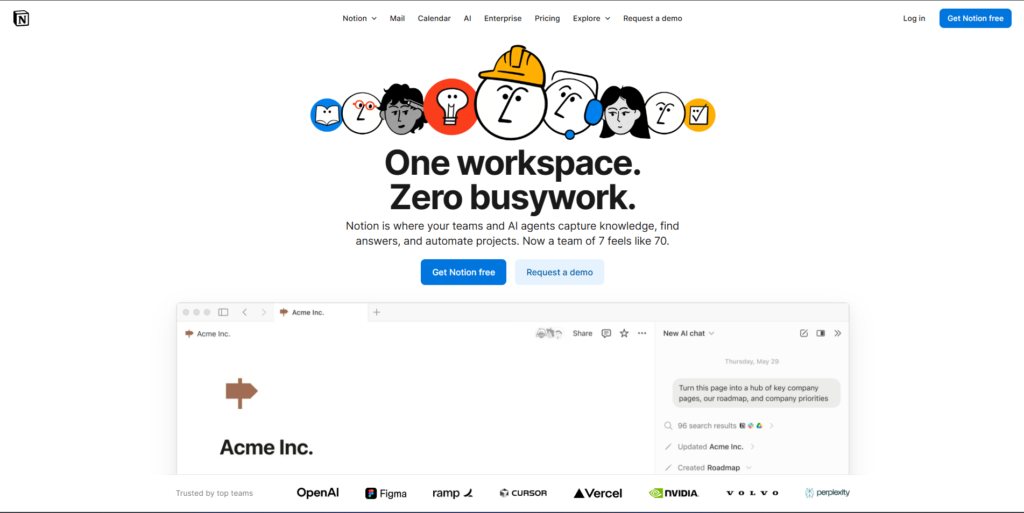
8. Notion: The AI-Powered Workspace
Developer: Notion Labs
Best For: Note-taking, project management, knowledge management
Overall AI Score: 8.6/10
Pricing Structure
- Free: Unlimited blocks for individuals
- Plus: $10/user/month (small teams)
- Business: $20/user/month (AI included, no separate add-on)
- Enterprise: Custom pricing
Note: Full Notion AI access requires Business plan or higher as of May 2025
Key Features and Capabilities
Notion evolved from a note-taking app into the world’s most comprehensive productivity platform. The September 2025 launch of Notion 3.0 introduced autonomous AI Agents that execute multi-step workflows.
Core Capabilities:
- Modular block-based architecture
- Databases with multiple views (kanban, calendar, table, gallery)
- AI-powered writing and editing
- Document Q&A and search
- Meeting notes automation
- Connected app search (Slack, Google Drive, GitHub)
- Template library with AI integration
- Team wikis and documentation
- Project management tools
- Database automations
AI Features:
- Ask Notion (workspace-wide Q&A)
- Content generation and rewriting
- Summarization of long documents
- Action item extraction
- Tone adjustment
- Translation (40+ languages)
- AI Database Properties
- Multi-model access (GPT-5, Claude Opus 4.1, o3)
2025 Launches:
- Notion Mail (AI email client)
- Autonomous AI Agents
- Multi-source databases
- Row-level database permissions
- MCP integrations with AI tools
Performance Metrics
- Flexibility: 9.8/10 (unmatched customization)
- AI Quality: 8.5/10
- Learning Curve: 7.0/10 (can be complex initially)
- Collaboration: 9.0/10
- Performance: 8.0/10 (slower with large databases)
Pros
✅ Ultimate flexibility – Build any workflow imaginable
✅ All-in-one – Notes, docs, wikis, databases, projects unified
✅ Powerful databases – Relational, customizable views
✅ Beautiful interface – Clean, modern design
✅ Strong collaboration – Real-time editing, comments, permissions
✅ Template library – Thousands of pre-built solutions
✅ Generous free tier – Unlimited blocks for individuals
✅ Cross-platform – Web, desktop, mobile apps
✅ AI integration – Deeply woven into platform
Cons
❌ Steep learning curve – Complex for new users
❌ AI pricing change – Now requires $20/month Business plan
❌ Performance issues – Slow with large databases
❌ No offline mode – Requires internet connection
❌ Limited formatting – Not a replacement for Word/Google Docs
❌ Search limitations – Can be hard to find content in large workspaces
❌ Template overwhelm – Too many options can be paralyzing
❌ Export challenges – Difficult to move data out
Real-World Use Cases
- Product teams manage roadmaps and feature development
- Content teams organize editorial calendars
- Students take notes and manage assignments
- Startups build company wikis and documentation
- Project managers track tasks and milestones
- Researchers organize findings and literature
Who Should Use Notion?
Notion excels for knowledge workers and teams needing a flexible, all-in-one workspace. Best suited for those willing to invest time in setup and customization. Particularly valuable for teams wanting to consolidate multiple tools. The new AI pricing requires Business plan, making it more expensive for small teams but excellent value for organizations already committed to Notion.
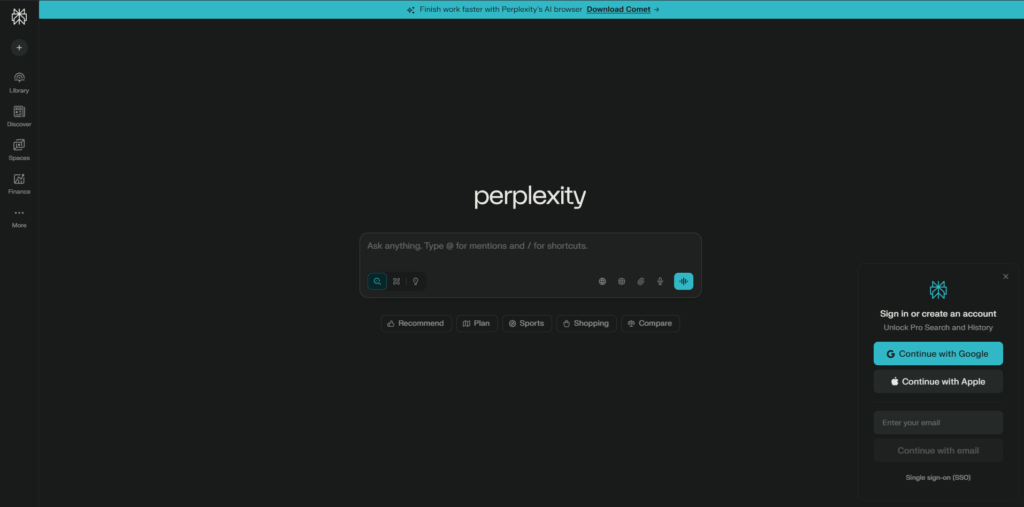
9. Perplexity AI: The Research and Search Assistant
Developer: Perplexity AI
Best For: Research, real-time information, source-backed answers
Overall AI Score: 8.8/10
Pricing Structure
- Free: Limited searches with Perplexity model
- Pro: $20/month (600+ Pro searches, advanced models)
- Max: $200/month (unlimited, priority access)
Note: Indonesia partnership offers Pro at $2.30/month bundled with Telkomsel
Key Features and Capabilities
Perplexity processes 780 million monthly queries (May 2025), offering AI-powered search with citations, making it distinct from traditional search engines and general chatbots.
Core Capabilities:
- Real-time web search with source citations
- Pro Search for in-depth research (3x sources)
- Multiple AI model access (GPT-5, Claude Opus 4.1, Grok 4.1)
- Spaces for organized research projects
- File upload and analysis
- Image and video generation
- Voice search assistant
- Collections for saving research
- Multi-language support (46 languages)
2025 Features:
- Comet browser (AI-powered, free)
- Comet Assistant for cross-app tasks
- Shopping Hub with product recommendations
- Finance features (stock prices, earnings data)
- Email Assistant
- App connectors (Gmail, Notion, Linear, GitHub)
- Background Assistant (upcoming)
Comet Browser Features:
- Built-in AI assistant
- Task automation
- Tab organization
- Email drafting
- Context-aware help
Performance Metrics
- Research Quality: 9.2/10
- Citation Accuracy: 8.8/10
- Search Speed: 9.0/10
- Answer Comprehensiveness: 8.7/10
- Source Diversity: 9.3/10
Pros
✅ Source citations – Every answer includes verifiable sources
✅ Real-time information – Access to current web data
✅ Pro Search depth – In-depth research with multiple perspectives
✅ Multiple AI models – Choose between GPT, Claude, Grok, others
✅ Clean interface – Focused, distraction-free research experience
✅ Comet browser free – Additional value beyond search
✅ Spaces organization – Keep research projects organized
✅ Voice search – Ask questions naturally
✅ Comprehensive answers – More thorough than traditional search
Cons
❌ Limited free tier – Quickly hit search limits
❌ Pro searches capped – 600 per month may not be enough for heavy users
❌ Expensive Pro – $20/month for search feels high
❌ Legal controversies – Accused of content scraping, plagiarism
❌ Cannot create content – Focused on research, not generation
❌ Learning curve – Using Pro Search effectively takes practice
❌ No mobile apps for Comet – Browser currently desktop-only
❌ Citation depth varies – Quality of sources inconsistent
Real-World Use Cases
- Researchers gather information with proper attribution
- Journalists fact-check and find sources quickly
- Students research papers with cited sources
- Investors analyze companies and market trends
- Professionals stay updated on industry developments
- Developers research technical implementations
Who Should Use Perplexity?
Perplexity is ideal for researchers, journalists, students, and professionals who need accurate, up-to-date information with verifiable sources. If your work requires fact-checking, comprehensive research, or staying current on topics, Perplexity’s